PHC-Hub 4.17.5 User Guide
|
|
| PHC-Hub 4.17.5 User Guide |
Use the credentials provided by your administrator to log in to PHC-Hub. If your state uses the SSO-enabled PHC-Hub application, follow the SSO login instructions. SSO (single sign-on) allows you to log in to multiple applications from one login screen. Otherwise, if your PHC-Hub application is not SSO-enabled, follow the non-SSO login instructions. (You can tell which version of PHC-Hub you use by looking at the login screen.)
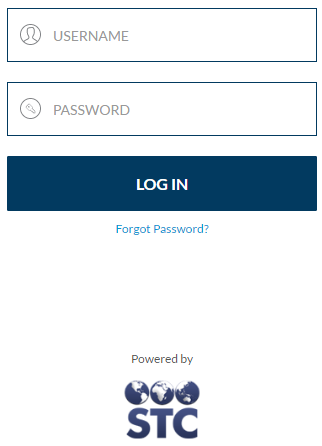
If your state uses the SSO-enabled PHC-Hub application, your login page looks similar to this:
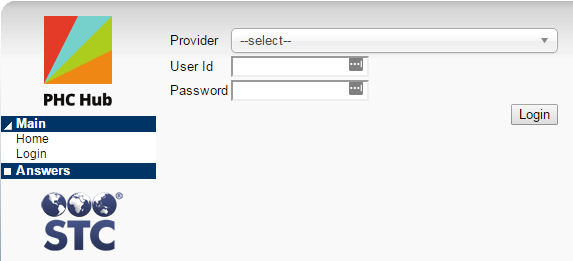
If your PHC-Hub application login page looks similar to the image below, follow these steps.
Log out from the Main menu (Main > Logout).
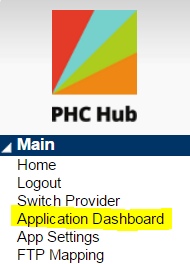
If your state uses the SSO-enabled PHC-Hub application, the PHC-Hub menu includes a Main > Application Dashboard link. Click the link to return to the main SSO dashboard page, where you can access other available STC products such as IWeb, SMaRT AFIX, STC | iQ, and VOMS.