 Peri HepB 1.17.11 User Guide Peri HepB 1.17.11 User Guide |
CDC Report
The CDC Report is used to assess progress toward goals to prevent perinatal
HBV transmission. The report generates the information required by the
CDC and identifies the number of infants who were born to HBsAg-positive
mothers for the reporting year. It also tracks contacts related to HBsAg-positive
mothers.
The CDC Report is only available to Administrator users.
To run the CDC Report:
- Click the Reports
> CDC Report menu link. The Report page opens with the CDC
Report option pre-selected and the most current available year selected
in the Year drop-down list.
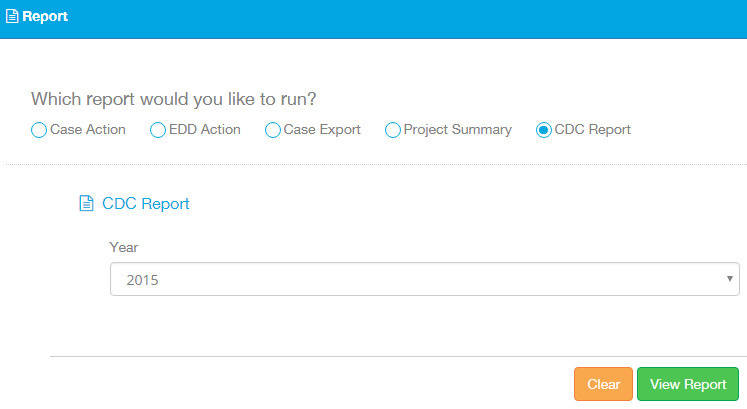
- Verify that the CDC Report option and the correct
year are selected, then click View
Report. The CDC Report is generated and appears in a new section
on the page.
- In the CDC Report section, enter any information
not automatically produced by the application (for example, the answers
to questions such as "Does your state birth certificate collect
maternal HBsAg status?").
- When finished entering information, click the
Print icon (
 ) to print the CDC Report.
Related topics: